
Loading Page...
Preparing your experience, please wait.
Loading Page...
Preparing your experience, please wait.
 WordPressDirect Publishing
Upload a photo to see exactly how it was taken. We extract your camera settings and image data so you can easily write blog posts and share the story behind your best shots.
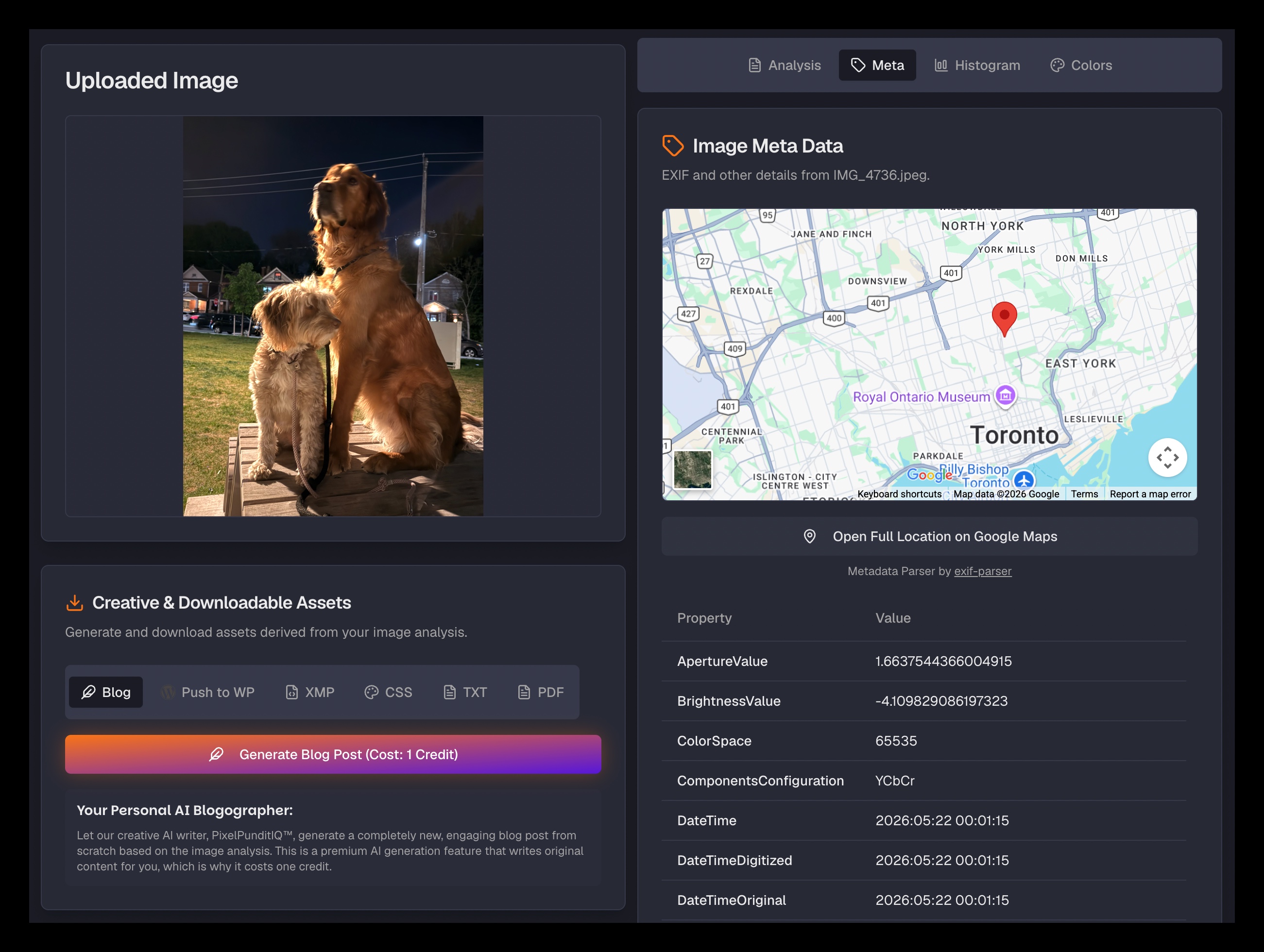
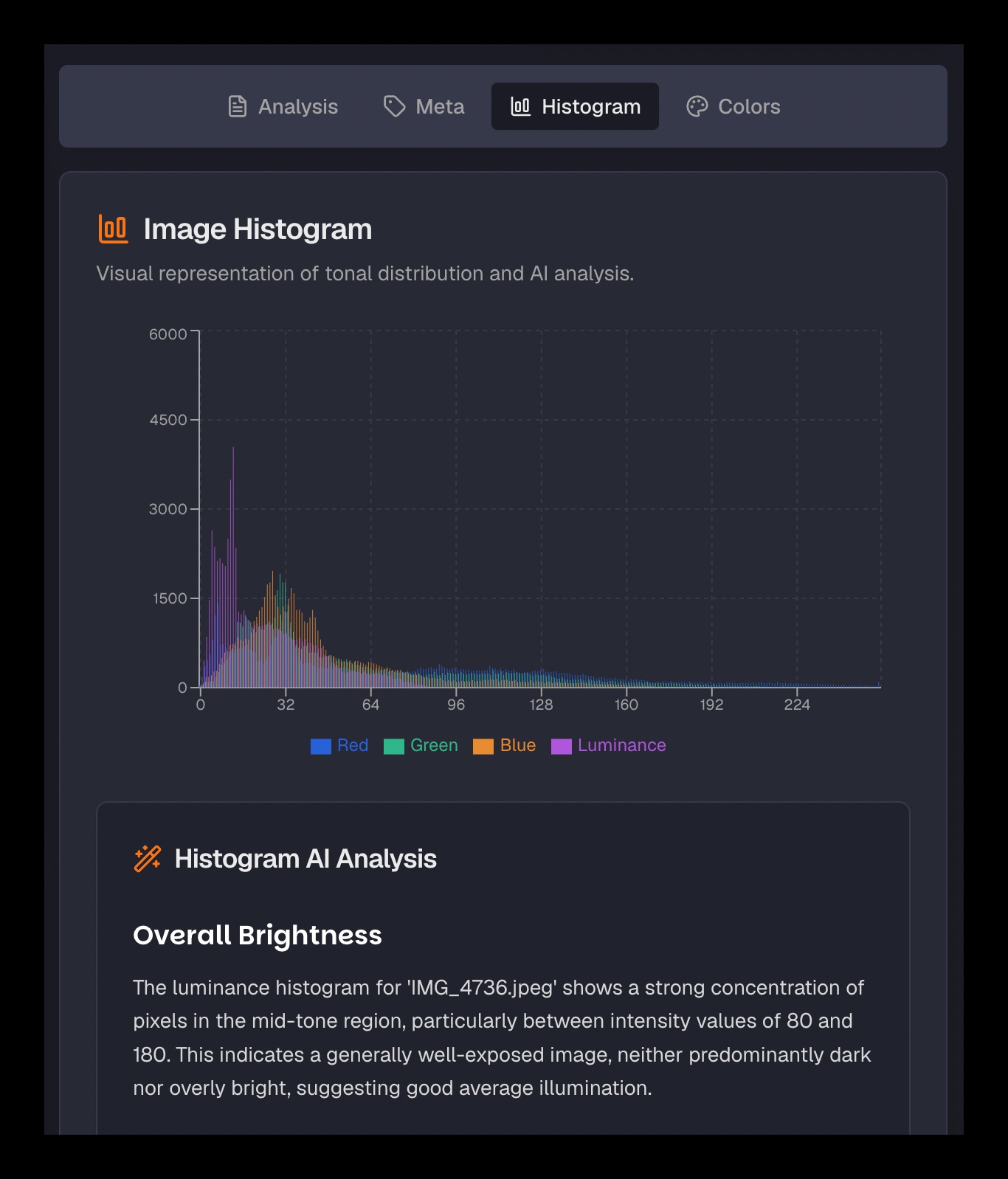
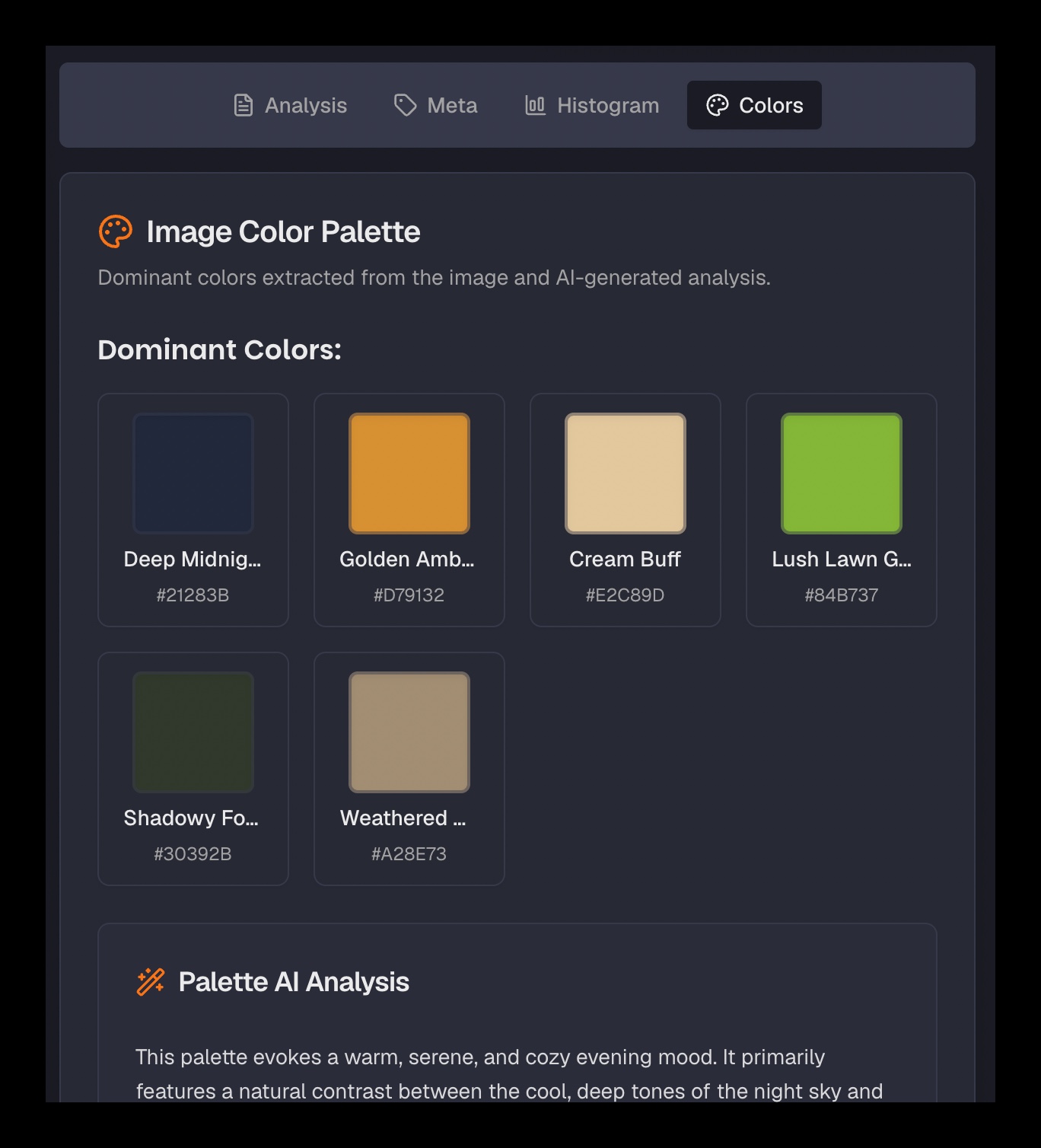
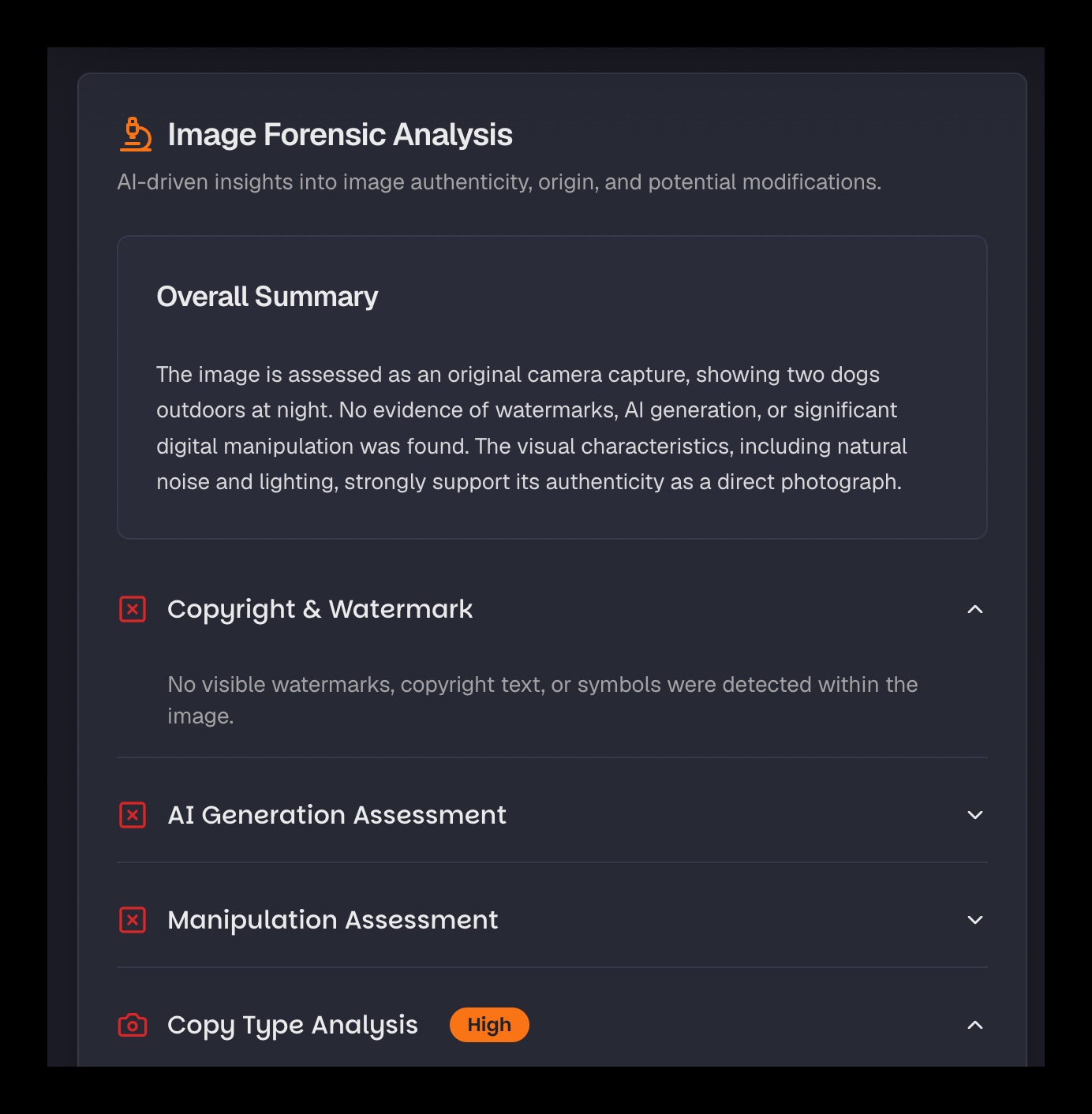
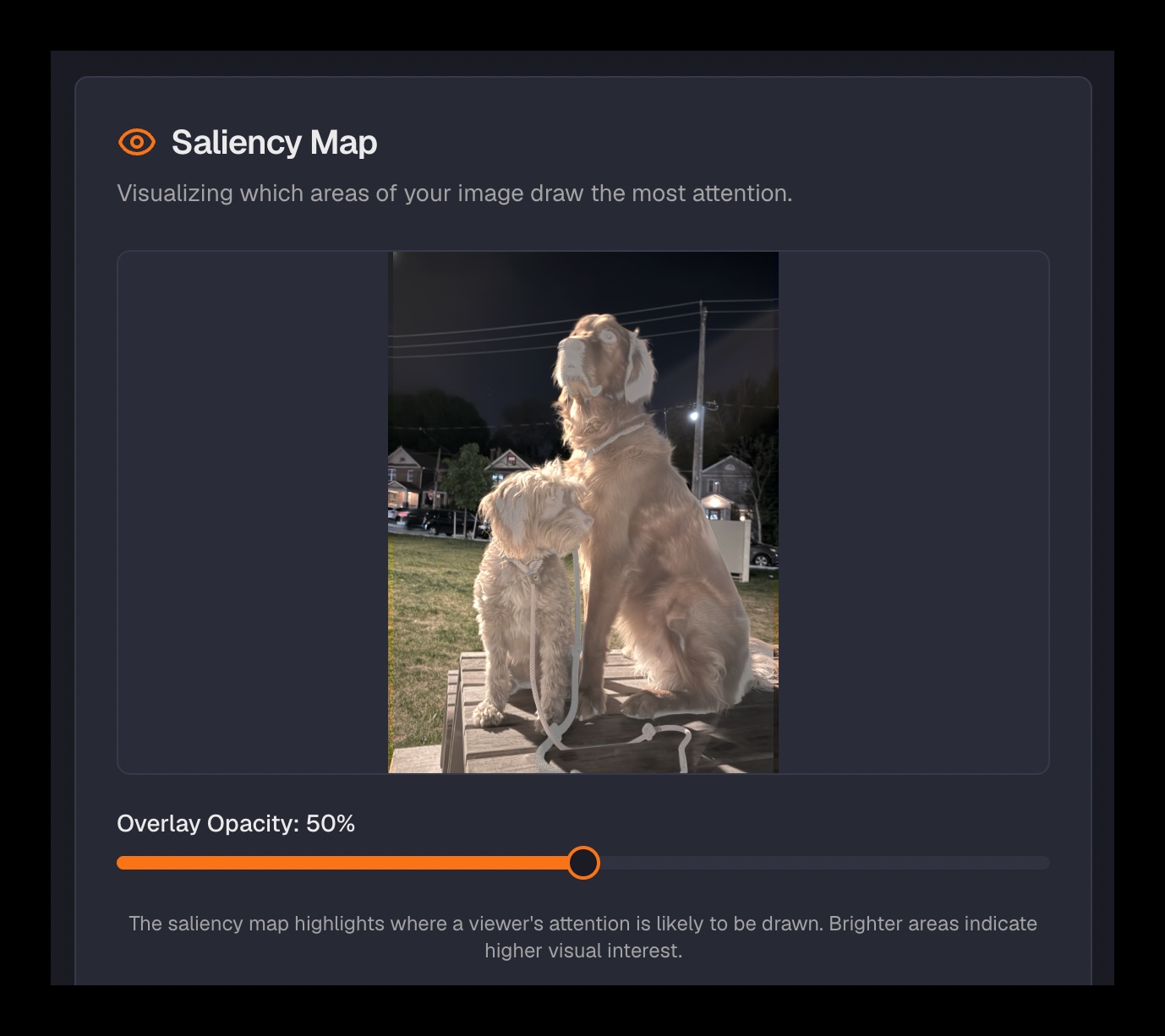
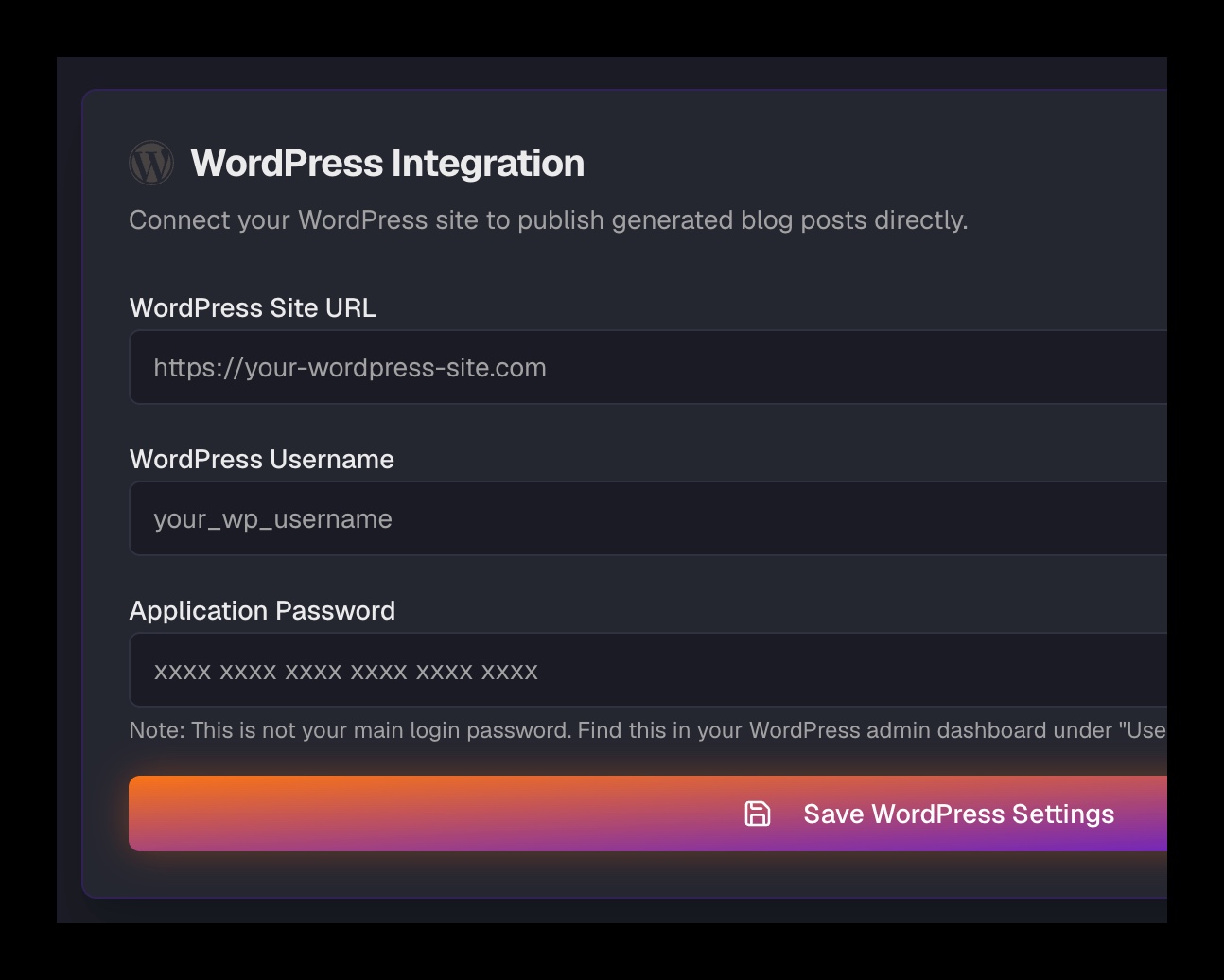
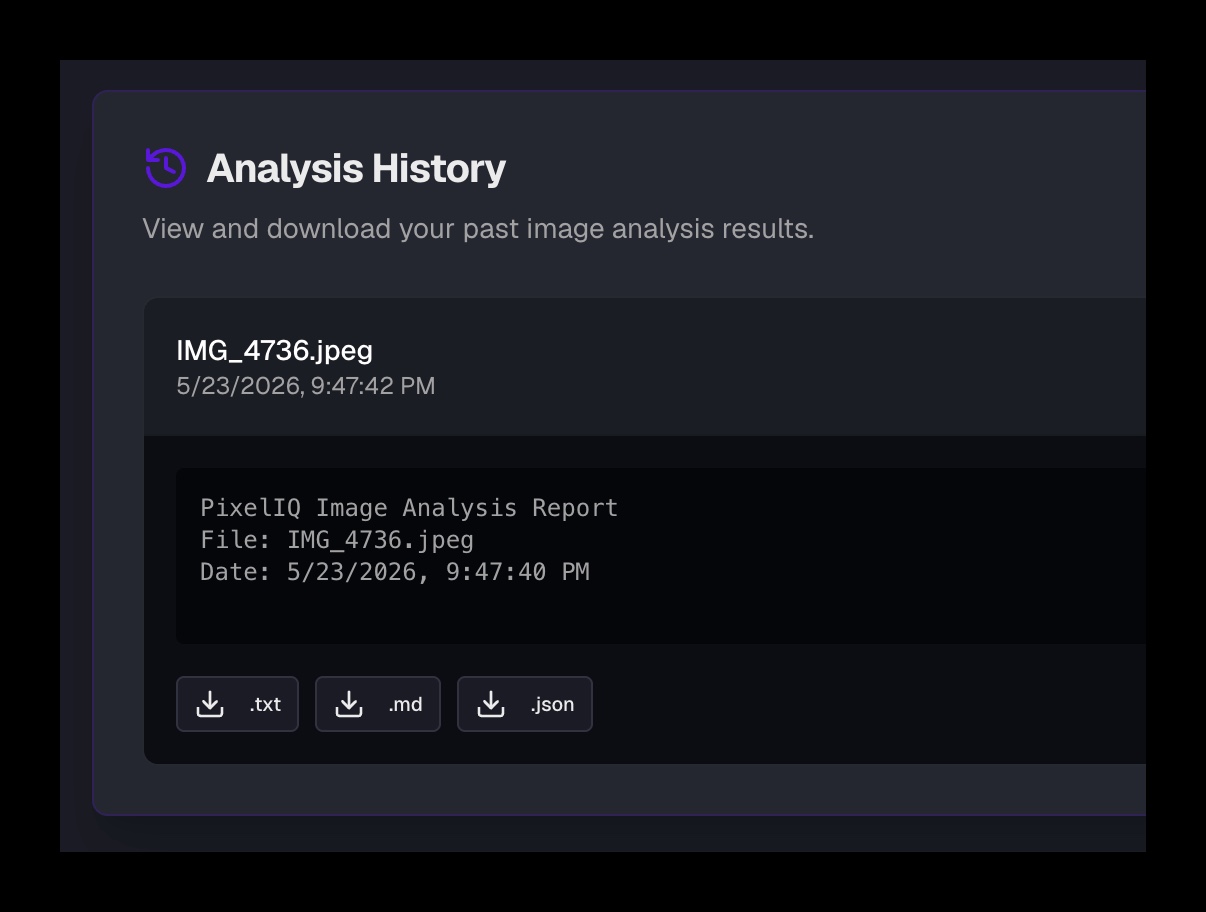
Swipe to inspect features
Pixeliq is an AI-powered image intelligence platform that decodes the story behind your photos. It automatically reads and translates camera settings (EXIF), tonal balances, color relationships, and digital forensics into clear, plain-language insights, helping you explain and publish the narrative of every capture.
Capabilities
Every analysis dimension explained in plain language — from content and forensics to color and metadata. Plus tools to turn that analysis into publishable content.
Our AI reads your image and explains what's in it — objects, scenes, text, brands, and emotional tone. A plain-language breakdown of everything happening in the frame.
Instantly read all the technical metadata embedded in your file. Camera model, lens, shutter speed, aperture, GPS coordinates, and more — explained in plain language.
Stop staring at a histogram and wondering what it means. Our AI reads the tonal data and gives you a plain-language explanation of your image's exposure, contrast, and color balance.
Extracts the dominant colors from your image and explains the palette — mood, temperature, harmony. Export as CSS variables or a shareable swatch image for use in design tools.
Examines the image for signs of manipulation, AI generation, or inconsistency. Gives you a plain-language forensic assessment — not a verdict, but a detailed read of the evidence.
Based on what Pixel IQ finds in your image, it generates an XMP preset file that reflects the photo's existing tonal character. Import it into Lightroom or Camera Raw as a starting point for your edit.
PixelPunditIQ™ turns your full analysis report into a structured, readable blog post. You didn't write it — the photo did. You just have to hit publish.
Push your full analysis report — or an AI-written blog post derived from it — directly to your WordPress site as a draft. No reformatting required.
Coming soon. Push your full analysis report — or an AI-written blog post derived from it — directly to your Blogger site as a draft.
Coming soon. Push your full analysis report — or an AI-written blog post derived from it — directly to your Tumblr site as a draft.
Pricing
Pay for what you need. Buy credit packs and top up anytime. No subscriptions, just pure analysis power.
Testimonials
Real feedback from photographers, bloggers, and designers using PIXELIQ every day.
PixelIQ gives me a level of technical feedback on my own photos that I never had before. I can finally see the exposure story the histogram is telling, understand the forensic read on authenticity, and get a written breakdown of every shot within seconds.
I upload a photo and PIXELIQ writes the analysis for me — technical details, color story, what's actually in the frame. Then I push it straight to WordPress. It's not a creativity tool, it's a reading tool. And that's exactly what I needed.
The color palette extraction and histogram explanation tools are genuinely useful for design reference. I can pull the exact palette from any photo and understand what the tonal data actually means. It doesn't improve my work — it helps me understand it.
Our Story
In a world full of images, we rarely stop to ask what we're actually looking at. PIXELIQ gives you the full picture — technical, contextual, and forensic — so you can see an image for what it really is.
Most photo tools either enhance images or analyze them for pros only. PIXELIQ does something different: it reads a photo the way a technical expert would, then explains what it found in plain language. That context is something no editor or filter gives you.
We don't touch your photos. We read them. Our value isn't in changing anything — it's in explaining everything. Then, if you want to turn that explanation into a blog post or an analysis report, the tools are right there.
Anyone who wants to genuinely understand an image — not just look at it. Photographers curious about their own shots. Writers who want to blog about a photo without guessing. Researchers fact-checking an image's authenticity. Anyone who's ever said "I wonder what's really going on here."
Real-World Use Cases
Ever wonder where that beautiful photo was taken? Or what lens and settings were used? PIXELIQ reads the metadata and content so you don't have to guess. Upload any image and get a plain-language explanation of exactly what it is and how it was made.
A photographer can generate a detailed written breakdown of their latest shoot — technical narrative, color story, forensic check — and publish it as a blog post. A social media manager can extract and document the exact color palette from a brand image. All reading and explaining, no guesswork.
How It Works
Securely drop any high-resolution photo. Pixel IQ supports JPG, PNG, HEIC, and more.
Our AI examines every layer of the image simultaneously — content, composition, technicals, forensics, color palette, and metadata. No manual tagging required.
Explore your interactive analysis report. If you want to, turn it into a blog post and push it directly to WordPress — or download it in any format.
Get Started Free
Drop any photo and get a full breakdown in seconds — what's in it, how it was shot, whether it's authentic, and what the data is actually telling you. Then publish the analysis if you want to.
Launch promo: 5 free credits when you sign up. No credit card required.